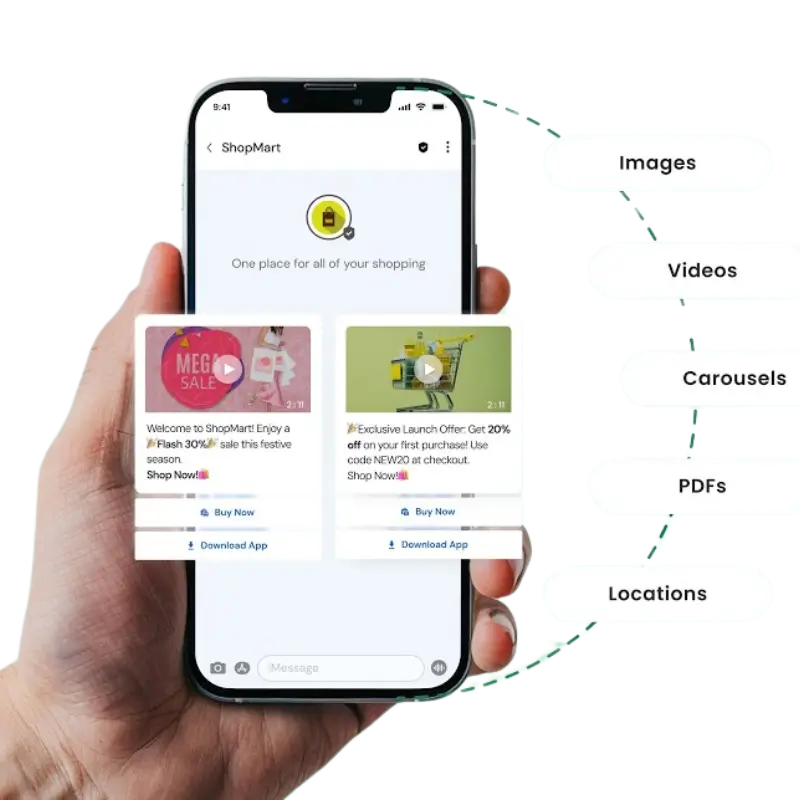
RCS for Business: Transform Customer Conversations
RCS for Business (Rich Communication Services) enables brands to connect with customers through verified business messaging, rich media, interactive buttons, and real-time conversations within the native messaging app. Vishwnet India helps businesses deliver secure, personalised customer engagement for promotions, notifications, support, and updates, driving higher engagement, stronger trust, and improved conversion rates.
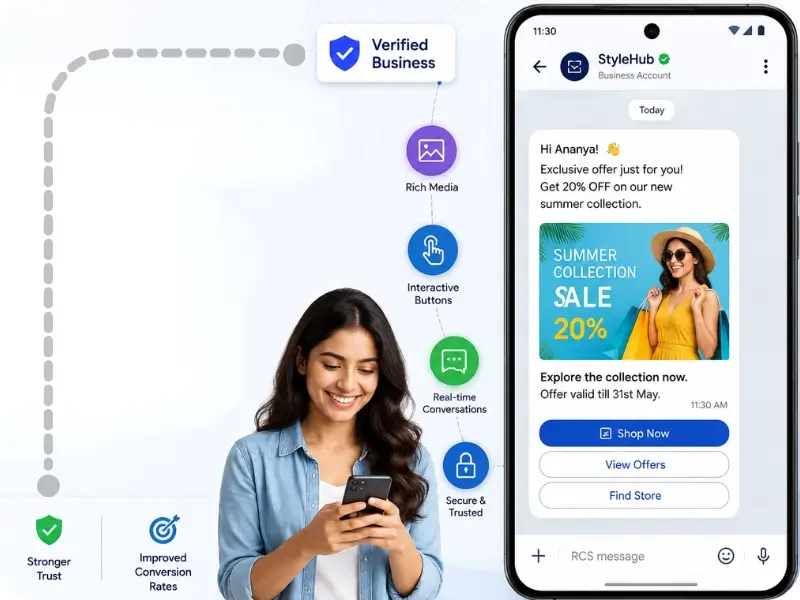
Benefits Of Google RCS for Business Messages
Typing Indicators & Read Receipts
See when someone is typing and when your messages are delivered or read, enhancing communication transparency and creating a real-time conversational experience.
Send Media And Carousels
Send high-resolution photos, videos, live location, and interactive carousels directly in chats, making your conversations more visual, informative, and engaging.
Real-Time Group Chats
Enjoy dynamic group messaging with advanced features like naming groups, adding/removing members, and real-time syncing, all with seamless multimedia sharing.
Verified Business Messages
Receive messages from verified businesses with branded content, trusted logos, and secure information, reducing spam and increasing customer confidence.
Wi-Fi/Data Messaging
Send and receive RCS messages over Wi-Fi or mobile data, avoiding SMS fees and ensuring connectivity even when the mobile signal is weak or unavailable.
Increased Message Length
Say more without limits (Rich Communication Service) RCS supports much longer messages than traditional SMS, allowing for detailed communication without being cut off.
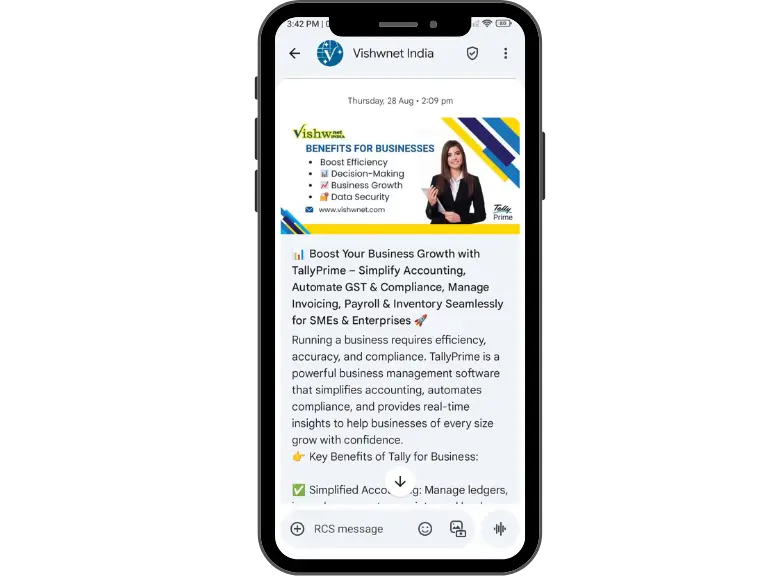
Google RCS for Business Messaging on Android/iOS
Google has spearheaded the adoption of RCS Messaging for Android/iOS, rolling it out as a default feature in the Google Messages app. This makes Android/iOS native messaging apps more competitive with third-party services.
How to Enable RCS on Android
- Open the Google Messages app.
- Go to Settings > Chat Features.
- Enable Chat Features.
- Wait for the “Connected” status under RCS services.
RCS for Business Messaging works over mobile data or Wi-Fi and provides a seamless upgrade from traditional texting.
Google RCS For Business Messaging
Google RCS for Business Messaging allows brands to send interactive, rich, and secure messages to customers’ default messaging apps. Businesses can use branded interfaces, product carousels, QR codes, and call-to-action buttons – all in one RCS message.
- Brand verification for trust and legitimacy
- Multimedia-rich content like videos and carousels
- Chatbot support for customer service automation
- Real-time analytics to monitor engagement
- Seamless transaction capabilities within the chat
This makes RCS Business Messaging ideal for industries such as e-commerce, banking, travel, and customer support.
Google RCS for Business with Vishwnet India! Enjoy advanced features like read receipts, high-res media, and group chats. Schedule a demo today.